Android Phone or Tablet
- Tap Download The Nexus APK.
- Open The-Nexus-3.1.apk from your Downloads folder.
- If prompted, open Settings and allow installs from your browser or Files app.
- Return to the download, tap Install, then tap Open.
Our Devices
The Nexus works with a wide range of popular devices for a smooth experience at home or on the go.
Seamless Experience
Choose your primary device during checkout and our support team will guide your setup.
Official Nexus App
Download Version 3.1 directly to a compatible Android device. File size: approximately 105 MB.
Android only: This APK is only for Android phones, Android tablets, Fire TV, Android TV, and Android box users.
iPhone & iPad Users
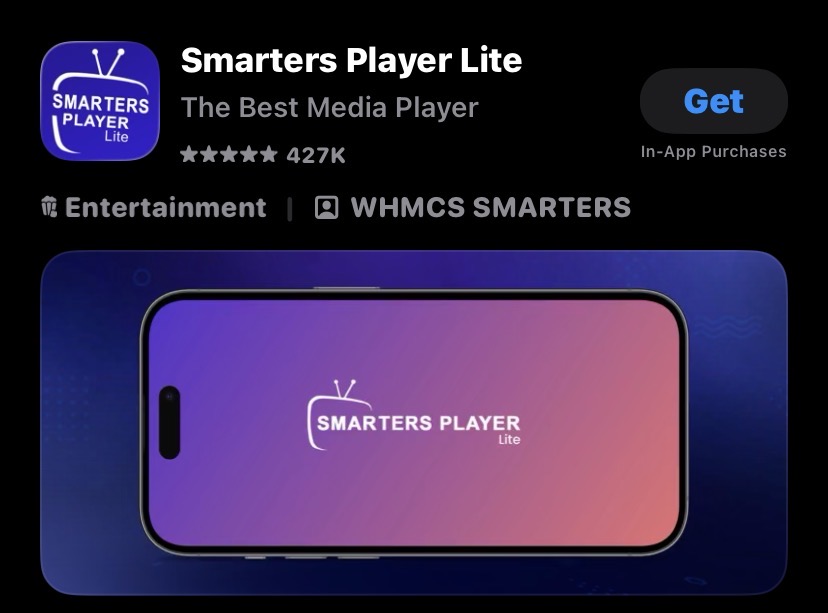
iOS users should open the App Store on an iPhone or iPad and download Smarters Player Lite to view The Nexus service. The Nexus APK will not install on iPhone or iPad.
Watch on your Android smartphone anytime, anywhere.
Learn More →Enjoy The Nexus on your iPhone with excellent streaming quality.
Learn More →Stream directly on a compatible Smart TV for a big-screen experience.
Learn More →Install The Nexus on your Firestick for convenient access.
Learn More →Use a compatible Android TV box for flexible entertainment.
Learn More →Watch on a supported Android tablet or iPad at home or away.
Learn More →Stream on a Windows or Mac laptop with convenience and ease.
Learn More →